Working public toolPublic tool
Outcome tool
College Predictor
Put a rank against the available official cutoff projection before you make a plan.
AspireACE begins with working public instruments—not a promise wall. Answer a reviewed question, inspect a planning signal, and continue only when the source and limits are visible.
Start with the product you need today. Each shelf opens a real public interaction or a continuity-aware app door. Price and entitlement claims stay hidden until the commercial registry is authoritative.
Put a rank against the available official cutoff projection before you make a plan.
Start with one approved question, receive a server-checked outcome, then carry the attempt toward the app.
Use one chapter question to decide whether a longer focused practice path is worth opening.
The question service is checked live. When the approved source is unavailable, this instrument says so and gives you another useful route instead of inventing a result.
Explore every public toolThe public pool is checked before anything is shown.
The website, public API, continuity receipt, and app entry are one chain. Each incomplete link stays visibly gated.
Answer an approved question or submit a rank. The website waits for a real source response before it shows an outcome.
Question attempts are checked on the server. Predictor results carry source, methodology, coverage, and limitation metadata.
Before signup, the website can create an anonymous continuity token containing the public object you touched.
The token is passed to the app. Exact claim-and-restore remains marked incomplete until the app-side restoration contract is proven.
A public route must stop honestly when its source is absent. It cannot simulate a successful product interaction.
Load an approved JEE or NEET question and submit the answer through the public attempt service.
Use a rank against the currently available official cutoff projection. No seat outcome is assured.
Read the exam-scoped chapter map and open a reviewed question without inventing mastery.
Search the canonical college index and read only published cutoff rows.
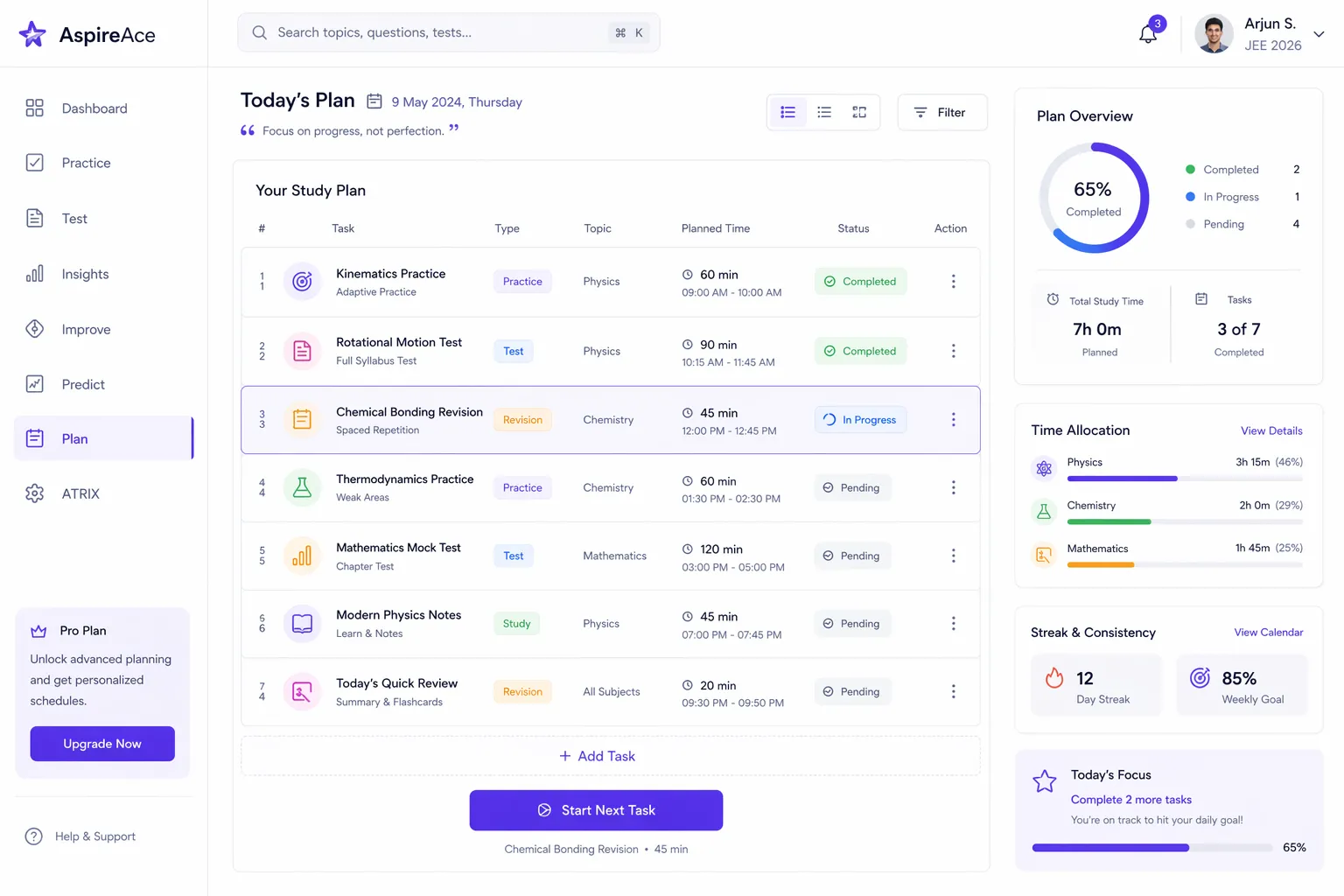
The public website handles a useful first move. Private history, planning, and repeat work belong in the app after account entry.
The first useful action happens before account creation, inside the live exam slip.
A rank can be checked against the available cutoff projection without manufacturing a result.
Signup can receive the continuity token. The website does not claim the longer private record until the app confirms restoration.
No homepage price appears before the registry validates.
Parent and institute visitors should see role boundaries, consent posture, and service availability before a commercial request.
See the payer, guardian, visibility, and consent posture before any family account relationship is offered.
Review the current product posture, deployment boundary, and pilot route before an institutional commitment is requested.
The homepage does not keep a second list of counts. If the claims source is empty, stale, unavailable, or contract-invalid, the ledger stops instead of showing cached theatre.
No homepage number is shown until the v2 claims source validates.
Continue through AspireACE account entry. The website attempts to create continuity first, then falls through safely if the service is unavailable.